
Screens
My Toddler Keeps Switching Our TV to the Kids Profile (and Why I Finally Stopped Fighting It)
Every time I sat down to watch something after bedtime, I’d find the TV on the kids profile. Every time I tried to show a family movie, she’d grab the remote and switch it back.
By Swan Lin · Parent of two toddlers · Updated 2026 · 5 min read
How it started
It started innocently. We set up a kids profile on our streaming app so our three-year-old would only see age-appropriate shows. Smart move, I thought. A week later she knew exactly which colorful icon was hers.
From then on, the second the TV turned on, she’d lunge for the remote and press her way to the kids profile. Even when we were about to watch a nature documentary together as a family. Even when Grandpa was visiting and wanted the news.
I’d switch it back, she’d switch it again, and within a minute someone was crying, usually her, sometimes me on the inside. At night, I’d sit down tired and find the cartoon home screen glowing at me, a little reminder of the battle.
I realized the profile wasn’t the problem. She’d learned that the TV belonged to whoever held the remote, and she wanted it to be her.
Not medical or clinical advice: I’m a parent of two toddlers sharing what helped at home, not a pediatrician, therapist, or child-development expert. Every family’s screen and media rules look different, and there’s no single right answer. If you have questions about your child’s screen use, sleep, or development, please talk to your pediatrician.
What I think was going on
Profiles feel like ownership to a toddler. The kids profile had her favorite characters on it, and choosing it gave her control in a day where adults decide most things. I didn’t want to take that away completely. I just needed a clearer rule about whose turn it was.
What helped us
1. Grown-ups pick the profile
The profile choice became a grown-up job, like choosing the bedtime book.
What I say: “Grown-ups pick the profile. You get to pick the show inside it.”
2. Name whose time it is
We started saying out loud what kind of TV time it was.
What I say: “This is family TV time. We’re watching on the family profile.”
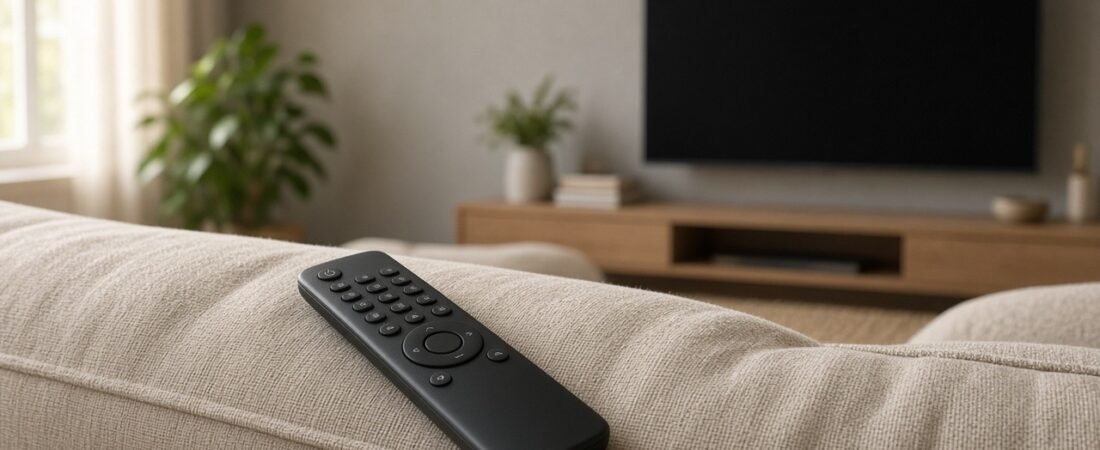
3. Keep the remote on a high shelf
Out of reach meant fewer grab-and-switch moments.
I also found it helpful to give the remote a permanent home so everyone knew exactly where it belonged.
What I say: “The remote lives up here. Ask me and I’ll help.”
4. Give her the kids profile at a set time
Her own profile time came at a predictable moment, like after nap.
Having a predictable schedule mattered more than I expected. Some families also find a visual countdown timer helpful for transitions.
What I say: “After nap is your show time on your profile.”
5. Switch back to the family profile when done
I made it a ritual so the home screen didn’t show cartoons later.
One thing I learned is that transitions are often harder than the screen time itself. Small routines around endings helped a lot in our house. Again, the visual timer helps.
What I say: “Show’s done. Let’s switch it back and say bye to the cartoons.”
6. Let her press ‘off’
Pressing the off button became her special job, which helped with endings.
Giving her a specific helper job was surprisingly effective. Toddlers often respond better to responsibility than to repeated reminders.
What I say: “You can press the off button. Ready?”
Honest limits
Streaming apps handle profiles differently, and some let you lock profiles with a PIN, which you may find useful; check your app’s own help pages. Some days she still sneaks the remote.
We also found that keeping the remote stored in the same place every day reduced a lot of unnecessary conflict.
And a profile is not a substitute for being nearby, since kids sections can still autoplay. If screen time is causing big daily battles, it’s worth chatting with your pediatrician.
From one tired parent to another
If your home screen is permanently covered in cartoon faces, I get it. Make the profile a grown-up choice, give them their own time, and let them press off. Then sit down and watch your own show on your own profile.